January 3, 2025 · 19 mins read
Santosh Kumar

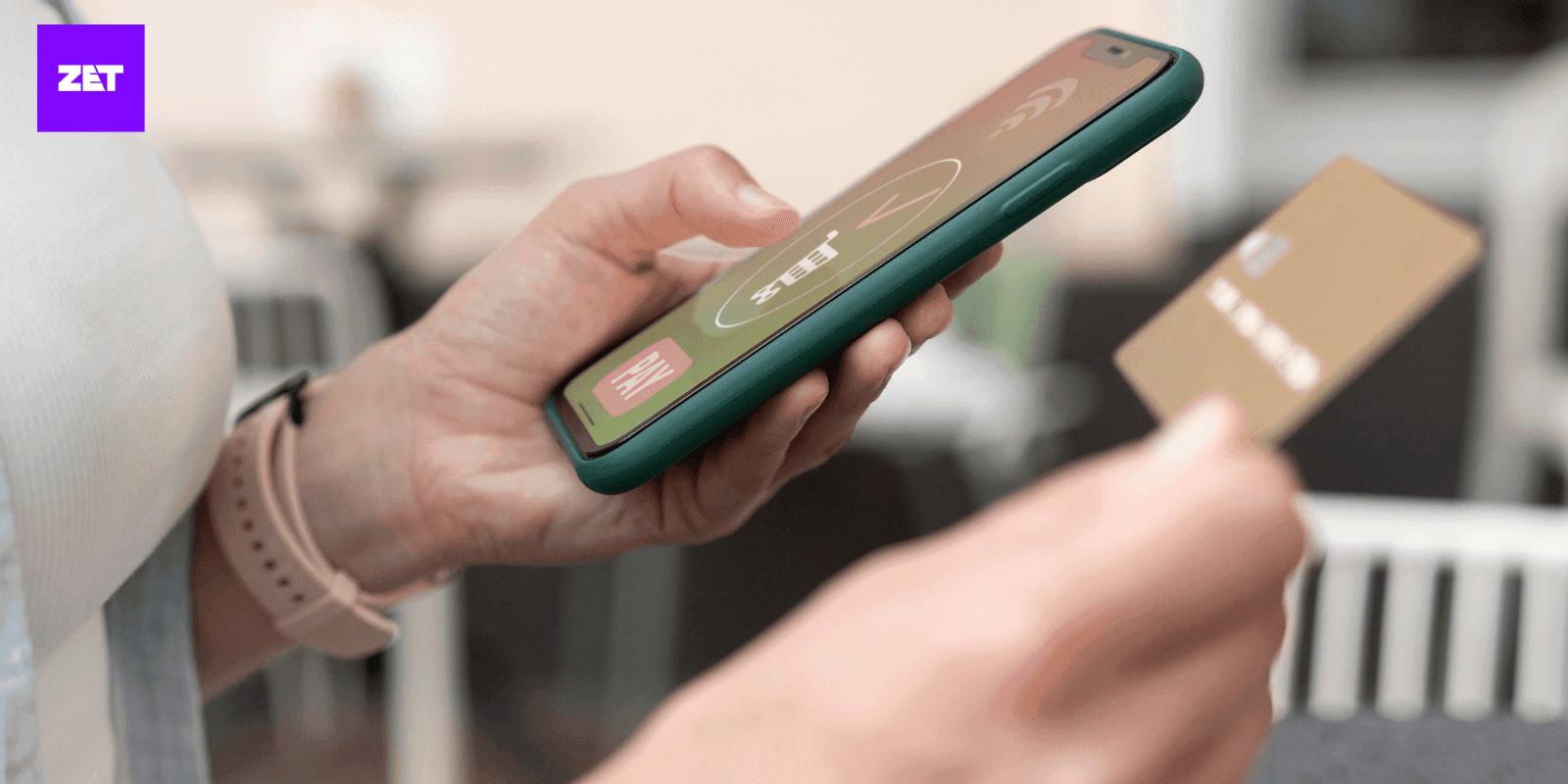
Unified Payments Interface is one of the best money management tools in this fast digital world. It is one tool that, irrespective of money paid to your friend, money spent on groceries, or any purchase on the internet, made things easier compared to what the old ways could do. One of the most important features of UPI is the UPI PIN. However, one of the most significant inconveniences that a user faces that eventually leads to a hiccup in a transaction is forgetting the UPI PIN.
This is an all-inclusive guide that shall walk you step by step through the process of how to reset UPI PINs within the PhonePe app. We will be talking about what is so critical regarding UPI PIN security. Therefore, ensure you don't become that new user by knowing what you want to do: reset your UPI PIN on PhonePe.
Before we discuss the specifics of resetting your UPI PIN in PhonePe, you must understand its vital role in enabling secure transactions.
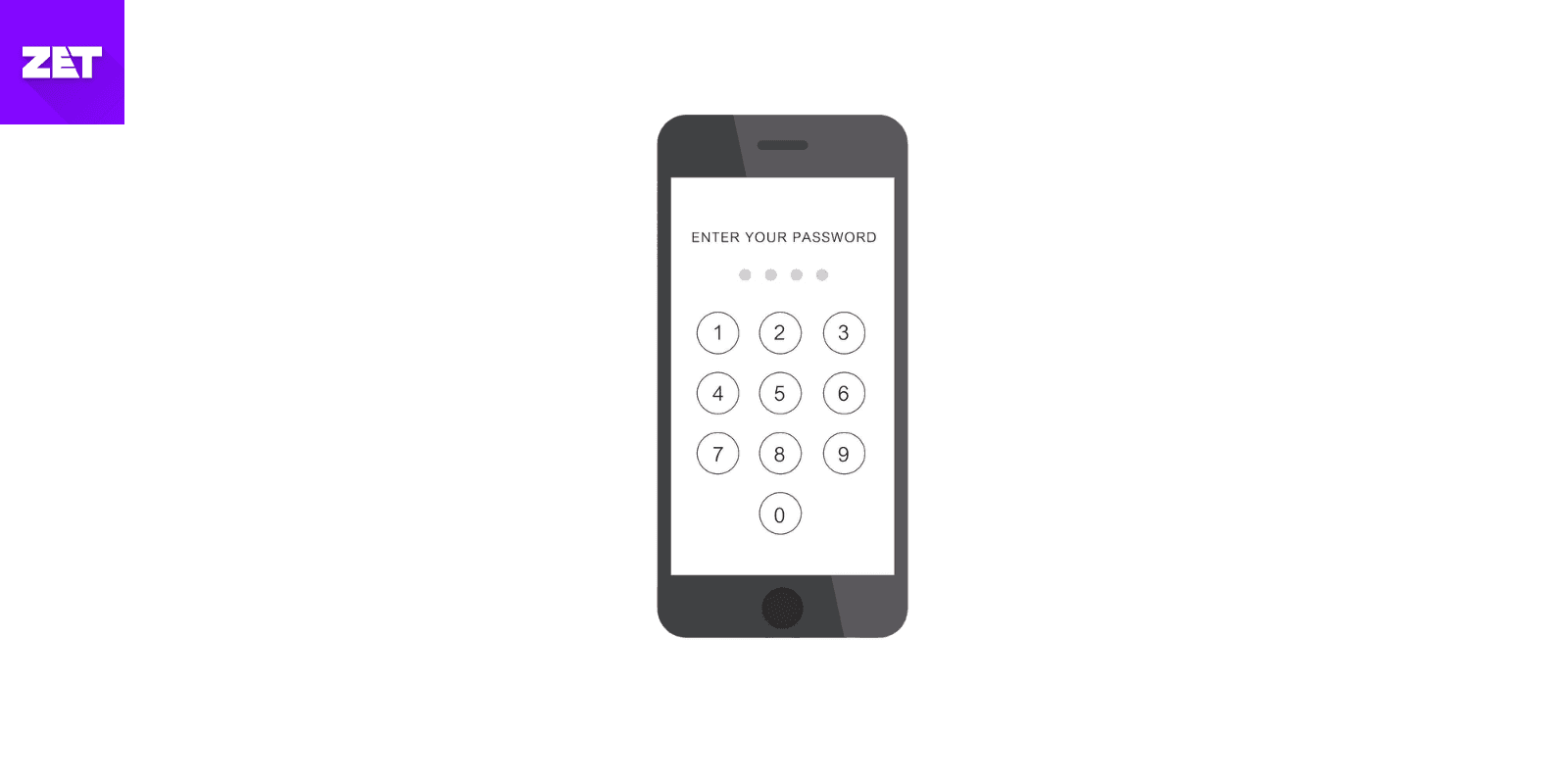
It's a 4-digit security PIN provided by UPI for safety. This pin acts as the protective layer over each transaction conducted on apps, like PhonePe. Be it recharging, payment of your electricity bill, fund transfer, or making any purchase through the web, you enter this UPI PIN for each of these transactions. This code protects the right of only you to authorize payments by adding another level of security not to access your linked bank accounts. With this unique PIN on your financial transactions, UPI protects your money from possible threats or misuse.
The UPI PIN is an essential aspect of financial security. It properly authorizes access to your funds. Your PIN acts as a gatekeeper, ensuring only you can approve transactions from your linked bank accounts.
Authorizes Access to Your Funds: Your UPI PIN is a trusted gatekeeper, ensuring that only you can approve transactions from your linked bank accounts. This keeps unauthorized users at bay and protects your funds.
Prevents Unauthorized Transactions: Whether it's a stolen device or an attempt at unauthorized access, your UPI PIN adds a robust layer of protection against fraudulent payments or transfers, giving you peace of mind.
Enhances Convenience: Beyond security, the UPI PIN changes how we transact. It would get rid of the hassle of entering lengthy credit card numbers or waiting for OTPs for every payment. Transactions now become fast, seamless, and efficient through a secure and simple PIN.
Zet App Download from PlayStore
There are several scenarios wherein you may need to reset your UPI PIN and the same applies for resetting your PIN in PhonePe. Let's take a closer look at the common reasons:
The most common reason for PhonePe UPI PIN change is forgetting it. Considering how many different PINs, passwords, and security codes we must remember in daily digital life, it's understandable that we sometimes forget a PIN. Resetting your UPI PIN is simple and usually takes more than a few minutes.
If you suspect that your UPI PIN has been compromised by a phishing attack, malware, or unauthorized access, you must reset your PIN immediately by PhonePe PIN reset option. By doing so, you can avoid any unauthorized transactions or losing money altogether.
Cybersecurity experts further advise that people should often change their PINs just like other passwords on their different accounts. This can go a long way in eliminating risks of breakage, especially if it was the same with another of your accounts or applications. Therefore, it is highly advisable to have the practice of regular habit to change PhonePe PIN.
Sometimes, users may want to change their UPI PIN because it’s too complicated or complex to remember. A simple reset allows you to set a PIN that is easier to recall while still being secure.
Read More:: How to Check CIBIL Score Without Mobile Number
Now, let's get to how to reset your UPI PIN in PhonePe.
Step 1: Launch PhonePe
Open the PhonePe app on your smartphone. You'll need to do so if you're not already logged in. Ensure you're using the correct account linked to the bank account you want to reset the UPI PIN.
Step 2: Bank Accounts
Tap your profile picture in the top left corner of the home screen of PhonePe. Under "Payment Methods," select "Bank Accounts." This will show you all the bank accounts connected to your PhonePe account.
Step 3: Choose the Bank Account
Choose the bank account for which you want to reset the UPI PIN. Ensure it is the right account connected to your PhonePe profile.
Step 4: Tap on "Reset PIN"
Then, next to the chosen bank account on the UPI PIN option, click the "Reset" button to initiate resetting the PIN.
Step 5: Fill Out Debit Card Information
You must provide the last six digits of your debit card and its date of expiration for the confirmation purposes of the security check that the actual account holder requests this.
Step 6: OTP Input
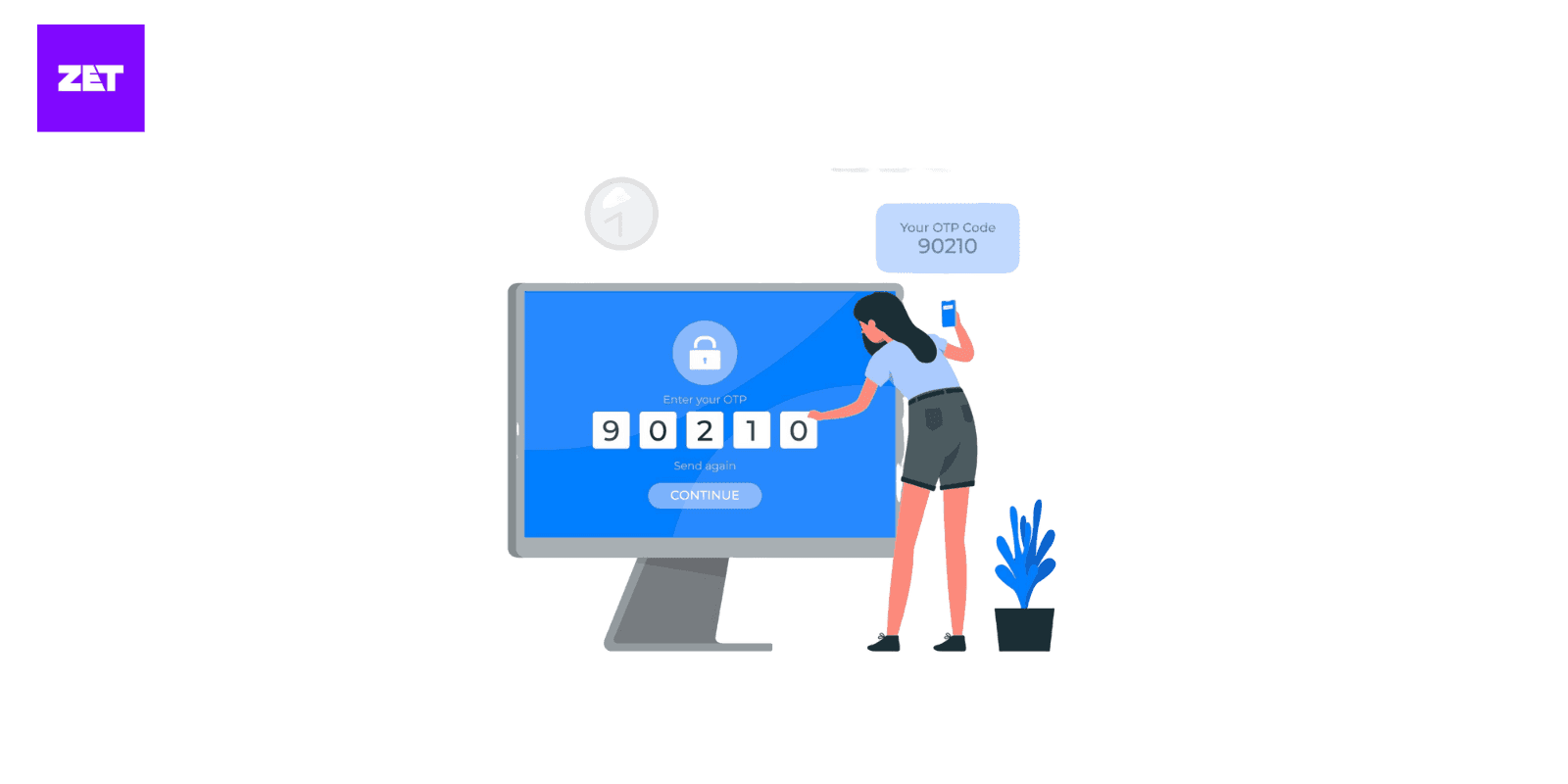
PhonePe will send an OTP to your registered mobile number. Input the OTP for verification, and then it will move you to the next step.
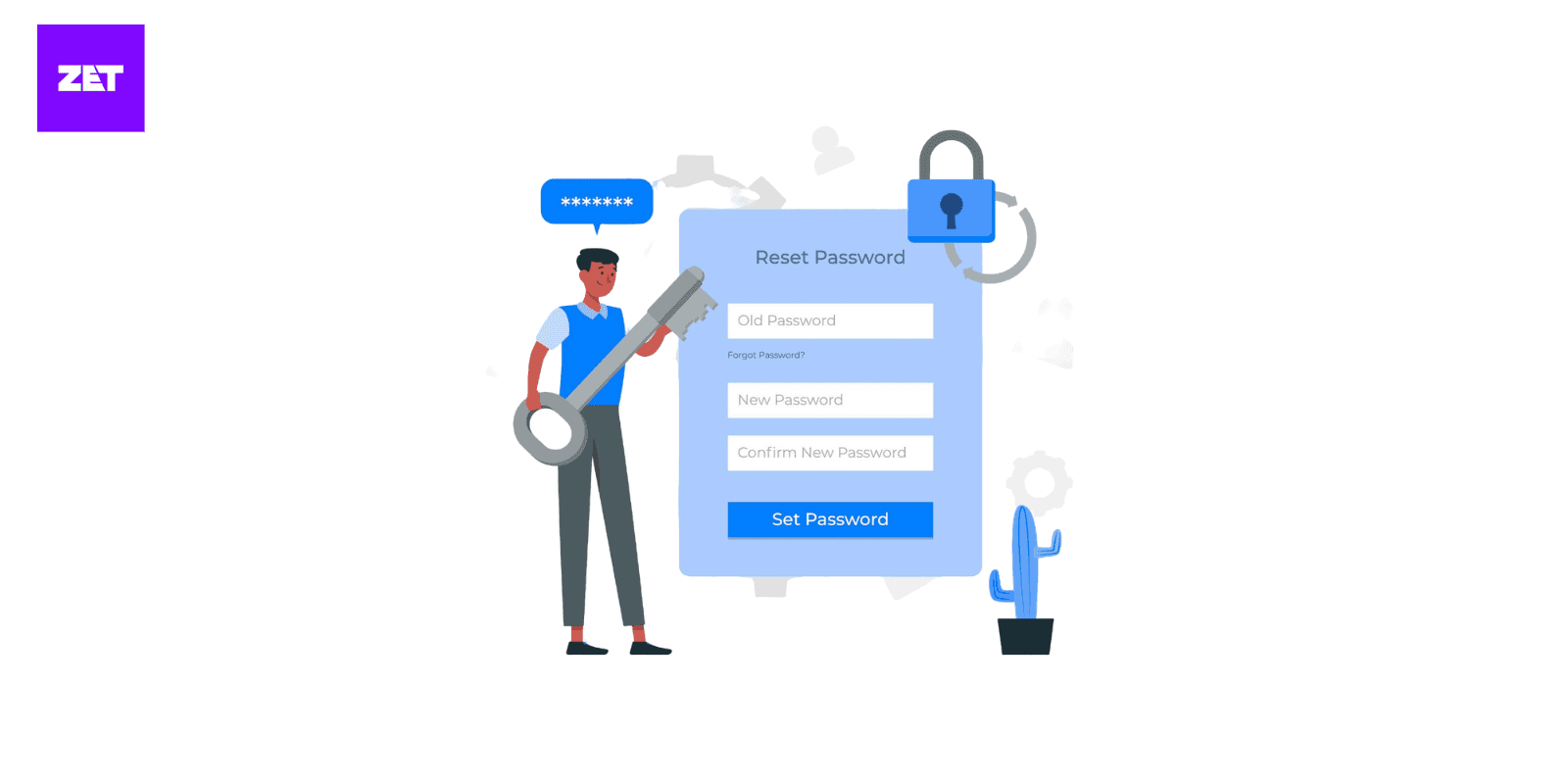
Step 7: Setup of the New UPI PIN
Next, it's time to generate a new UPI PIN. Select a 4-digit secure PIN that you can easily recall. Never choose a simple number such as "1234" or "0000," because these can be guessed easily.
Step 8: Validate Your New PIN
Next, you have to re-input the new PIN that you want. This saves the trouble of trying again if something gets typed wrongly.
Step 9: Pin Reset Successful
The system notifies you that the process has been done if you've correctly validated your new PIN. So, now, having a UPI PIN allows you to transact.
Read More:: How to Do Offline UPI Payment
Resetting your UPI PIN is essential, but it is only one part of keeping your Makiprocess account secure. Here are some best practices for improving security and to help you figure out how to reset UPI PIN in PhonePe.
While you’re trying to do a PhonePe UPI PIN change, avoid weak and easily guessable PINs such as "1234" or "1111." Instead, create a PIN that is both secure and easy to recall. Some culturally significant numbers can be used, but don't choose any that others can easily guess.
It is vital to keep your UPI PIN undisclosed. Do not reveal it to friends, family, or customer support representatives. Your bank or payment service provider will not ask you for your PIN, so in case anyone does, it's a scam.
Make some time out regularly to scan your PhonePe transactions. Report it immediately to the customer care of PhonePe or the bank if you spot anything suspicious, as this can get your money blocked.
If your UPI PIN is hacked or you become a scam victim, react immediately. Dial PhonePe or your bank's customer service to freeze your account, and further action will be taken.
Read More:: What is UPI Reference Number?
One of the most common reasons you must reset your UPI PIN is forgetting it. Here are some tips so that you never forget it again:
Your PIN needs protection to protect any of your online transactions. It cannot be written somewhere in an utterly secure area—like a locked, safe drawer. There are more technologically advanced alternatives using a reputable password manager who encrypts and secures sensitive information and provides an added level of security, risking losing paper copies.
While doing a UPI PIN change in PhonePe, complex PINs can be difficult to recall, but creating a mnemonic phrase can make them easier to remember. For example, if your PIN is “5317,” craft a phrase like “Five Sweets In Seven Minutes.” This technique makes your PIN memorable and adds a layer of personalization that’s hard for others to guess.
Many UPI apps, such as PhonePe, offer biometric authentication options, like fingerprint scanning or facial recognition, to improve both security and convenience. If you’re someone who is looking for how to solve UPI problem in PhonePe, then this biometric authentication is a boon for you. It allows you to authorize payments smoothly without constantly entering your PIN. By enabling biometrics, you can enjoy a faster, more secure payment experience while reducing the reliance on manual PIN inputs.
Read More:: How to Change UPI PIN in Google Pay
Although resetting the UPI PIN is quite easy, sometimes problems arise. Here are some handy solutions to overcome common problems in resetting your UPI PIN:
If the OTP does not come, restart your phone to refresh the network. Ensure your phone has an active signal, and the number is registered with the bank linked to your UPI. Double-check that the SMS service is functioning correctly. If the issue persists, request the OTP again or contact your bank’s customer support for assistance.
Ensure that the last six digits of the card number and the expiry date are correct while entering debit card details. Even a small typo can lead to rejection. If the app continues to reject the details, then it might be that your debit card is inactive or has other issues. Contact your bank to verify your card’s status and resolve any discrepancies.
Multiple times, entering the incorrect UPI PIN can trigger a temporary account lock as a security measure. Wait for the specified lockout period to pass before trying again. If the issue continues, contact your bank or the UPI app’s customer support team for guidance. They may assist in unlocking your account or securely resetting the PIN.
By staying patient and following these suggestions, you can overcome most UPI PIN reset hurdles, ensuring a smoother and more secure digital payment experience.
Read More:: How to Reset UPI PIN
If you are facing any issues or error with resetting the UPI PIN, then you can follow the following troubleshooting steps to fix the issues. Here are some of the tips to know how to solve UPI problem in PhonePe.
You can check if the PIN entered twice matches or not. If the PIN is not matching, the reset process will not complete. So, double check and also you can try re-entering the Pin or changing a new one. Next to that, the primary check will be checking the app version and try to update the app if is out of update or to its newest version. This is because the older version might have bugs and try to use the latest version. Even uninstalling and reinstalling the app might help sometimes.
In some occasions, trying a different device might help you in resetting the PIN. Or else, you can also give it sometime and try to reset the PIN after a small interval of time. This might also help.
Once you have successfully done resetting your UPI PIN, you should follow some of the security practices for the secured use of UPI apps like PhonePe. Before that, make sure that the PIN which you have set is a strong and unique PIN. It is mandatory not to share the PIN with anyone since with that PIN only you will authorize the payment. If it is being shared, it will help others to make payment from your account or UPI app by getting the access. So, here are the security practices that you can follow to avoid such incidents.
1: Keep your UPI PIN safe and secured: It is important not to share your UPI PIN with anyone no matter how trust worthy the other person might be. It is equally important not to write down or note your PIN like writing in your diary or any other places. It is always better to remember that and store in your mind strongly.
2: Enabling two step authentication: You can also enable the available two step authentication process which might include generating a code to your mobile number while making payments. It also has the feature of fingerprint access or face ID recognition to complete the payment.
3: Setting app password in your mobile: If in case your mobile has been stolen, in such incidents, maintaining a strong app lock which is different from usual mobile lock might help in not accessing the account.
4: After resetting the PIN, it is also recommended to sign out from all the devices except from which you are currently using.
If you are unable to reset your UPI PIN on PhonePe, then you might try contacting the customer support of PhonePe for this issue. They are available 24/7 and you can contact them whenever assistance is needed. You can contact the customer support by calling either to 080-68727374 or 022-68727374. Or else, you can also email to the team by emailing to support@phonepe.com for more detailed assistance. If you need quicker solution, you can check with the ‘Help’ section that will be available on PhonePe app and there you will get assistance or you can also raise a complaint.
PhonePe has become one of the most popular UPI apps in India, offering quick payments, easy bank linking and a secure interface. One of the most important parts of using UPI safely is managing your UPI PIN. Whether you want to update your PIN for security reasons or simply feel like changing it to something more memorable, PhonePe makes the process simple and user-friendly.
The UPI PIN acts as the final level of authentication for sending money or completing any UPI transaction. Changing it from time to time can help protect your account from unauthorised access. The app provides an in-built option to modify your existing PIN without requiring additional steps or multiple screens.
To change a UPI PIN in PhonePe, you need to select your bank account in the app, open the UPI PIN settings and enter your existing PIN before creating a new one. The process is straightforward, and the app guides you through each screen so you never feel lost. Once updated, the new PIN becomes active almost immediately.
Resetting a UPI PIN is slightly different from changing an existing one. A reset is needed when you cannot remember your current PIN or when the app prompts you to set a new one for security reasons.
When you remember your debit card details, the reset process is smooth. You simply enter the last six digits of the card and its expiry date. PhonePe will verify the information using your bank’s UPI system and allow you to set a fresh PIN instantly.
However, some users may not have access to their debit card at the moment, or they might be using a bank account that does not provide one. In such cases, resetting can be a challenge, because UPI PIN generation is usually linked to debit card verification. Still, certain banks allow alternatives such as using Aadhaar-based authentication or visiting the branch to activate UPI PIN creation without a card. Once your bank enables this facility, you can return to PhonePe and complete the reset process like usual.
Different banks support different methods, so the availability of a “without debit card” option genuinely depends on your bank, not the PhonePe app itself.
Forgetting a UPI PIN is extremely common, especially for people managing multiple bank accounts. Fortunately, the PhonePe interface keeps the reset process as simple as possible. When you select your bank account in the app and choose the “Reset UPI PIN” option, you will be guided through identity verification. In most cases, the verification involves entering the details of the debit card linked to that bank account.
Once verified, you can set a new PIN immediately. It is recommended to choose a number that is easy for you to remember yet difficult for others to guess. Avoid predictable sequences and personal dates. Once you confirm the new PIN, PhonePe updates it in seconds.
If the app displays an error during the process, it may be because the phone number registered with your bank is not active, the SIM is not present in your phone, or the bank server is temporarily unavailable. These issues can be resolved by ensuring your SIM is active, restarting the app or trying again a little later.
Although every bank uses the same UPI framework, the interface and small details may differ. Still, the core steps remain largely the same across banks. You begin by opening PhonePe and tapping your profile or linked bank account. From there, you choose “Change UPI PIN”. You enter your existing PIN and replace it with a new one of your choice. Banks may ask for additional verification, but PhonePe completes most checks in the background, so you only see the essential screens.
No matter which bank you use, your UPI PIN will always be stored and encrypted at the bank’s end. PhonePe never has access to your PIN, so the app cannot change or view it without you entering the necessary confirmation details. The overall process remains consistent whether you bank with SBI, HDFC, ICICI, Axis, Federal, Kotak or any other major institution.
Your new PIN will remain valid for all UPI payments, including merchant transactions, money transfers, bill payments and QR code scans. If you use the same bank account across multiple UPI apps, the updated PIN will automatically apply everywhere because the PIN is attached to your bank account, not the app itself.
Resetting your UPI PIN on PhonePe is easy and can help you regain access to your transactions while keeping your money safe. With the step-by-step instructions provided in this guide, you can reset your PIN in a matter of minutes. However, adopting robust security practices is the key to a secure digital banking experience. A strong and unique PIN, biometric authentication, and regular monitoring of your transaction history are essential to protecting your financial data.
Remember, the security of your financial transactions begins with you. Stay vigilant, prioritize your privacy, and take proactive measures to guard against cyber threats. With these precautions, you can fully enjoy the convenience and efficiency of UPI while maintaining the utmost security.
The UPI PIN is a unique 4-6-digit code that secures transactions through UPI-enabled apps like PhonePe. It is a form of safeguard that ensures that only authorized users can access and transact from their linked bank accounts.
No, to reset the UPI PIN, you will require the last six digits of the debit card and the date of expiry for that particular bank account.
Ensure your registered mobile number is active and has a strong network connection. Restart your phone and request the OTP again. If the issue persists, contact your bank or PhonePe support.
Your account might be locked temporarily due to several incorrect PIN entries. Wait a few minutes or call customer support if the problem persists.
Avoid using simple combinations like "1234" or birthdays. Instead, use unique numbers that are easy for you to remember but hard for others to guess.
Instead of changing the PIN, you will reset it. PhonePe will require your debit card information, or other authentication method approved by your bank, to create a new PIN.
This entirely depends on the bank. Some banks allow Aadhaar-based or branch-based UPI activation. Once UPI is activated with your bank, you will be able to reset the UPI PIN in PhonePe.
You will open your bank account in PhonePe, choose the reset option, enter your verification details and then set a new PIN.
It is almost instant when you hit the confirmation button.
Yes, the new UPI PIN will apply to all UPI apps that are connected to that bank account.
That could be that your SIM is inactive, the debit card information is incorrect or there is an issue on the bank’s server.
You can use the same PIN, but it is more secure to have different PINs for each bank account.



Download the app from PlayStore